
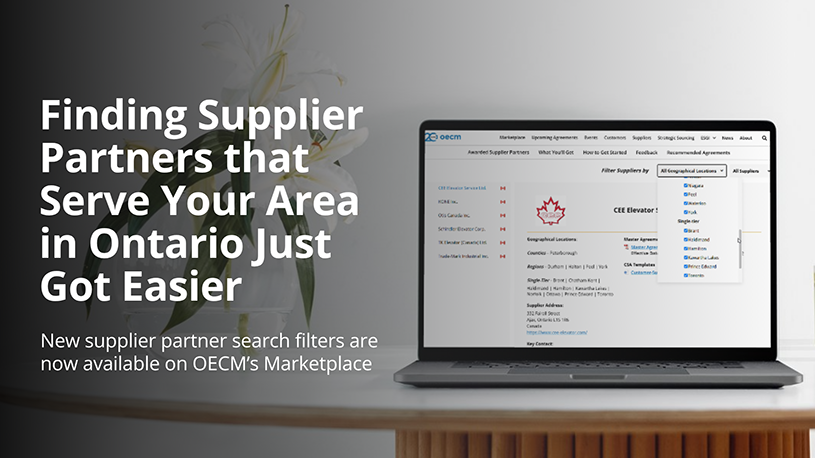
At OECM, we’re committed to continuously enhancing the customer experience. Based on feedback received through our Nanos Customer Satisfaction Survey, we’ve introduced new search filters on the OECM Marketplace to make it easier for customers to identify supplier partners that best meet your organization’s procurement needs.
Customers can now quickly narrow supplier partner results by county, district, region, and product/service category, helping streamline the supplier selection process and save valuable time.

New Geographical Location Filter A Geographical Location Filter is available for agreements where supplier partner service coverage varies by Ontario service area.

New Product/Service Category Filter A Product/Service Category Filter has also been added to most agreements, helping you refine results by the type of products or services you are looking for.
More Ways to Find the Right Supplier
Where available, customers can now combine these new filters with OECM’s existing search options, including:
- Geographic location (county, district, region, and service area)
- Product/Service Category
- OEM
- Canadian Supplier
These enhancements reflect OECM’s ongoing commitment to listening to customer feedback and continuously improving the Marketplace to make it easier for customers to find the right supplier partners and maximize the value of OECM agreements.
Please Note: All geographical locations and categories are selected by default. Some agreements may not show a filter because the supplier partners serve customers across Ontario, or do not have product and service categories.
How to Filter by Geographical Location
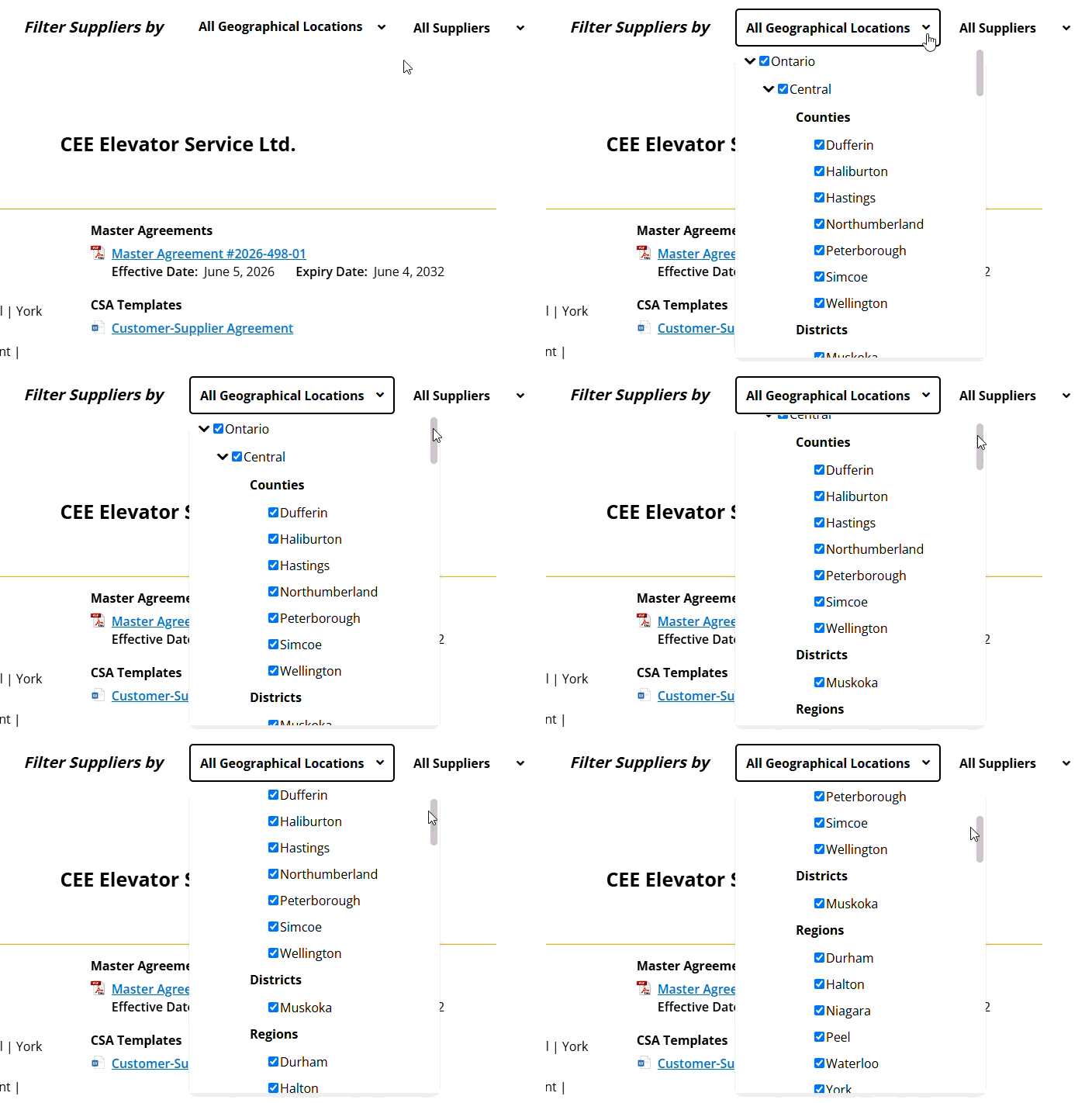
- Navigate to the agreement you are interested in, then scroll down to the Supplier Partners section of that agreement page. Click the dropdown arrow beside All Geographical Locations
- Select your preferred Ontario location from the expanded dropdown menu
- The supplier partner list will automatically update based on your selection
How to Filter by Product and Service Categories (when applicable)
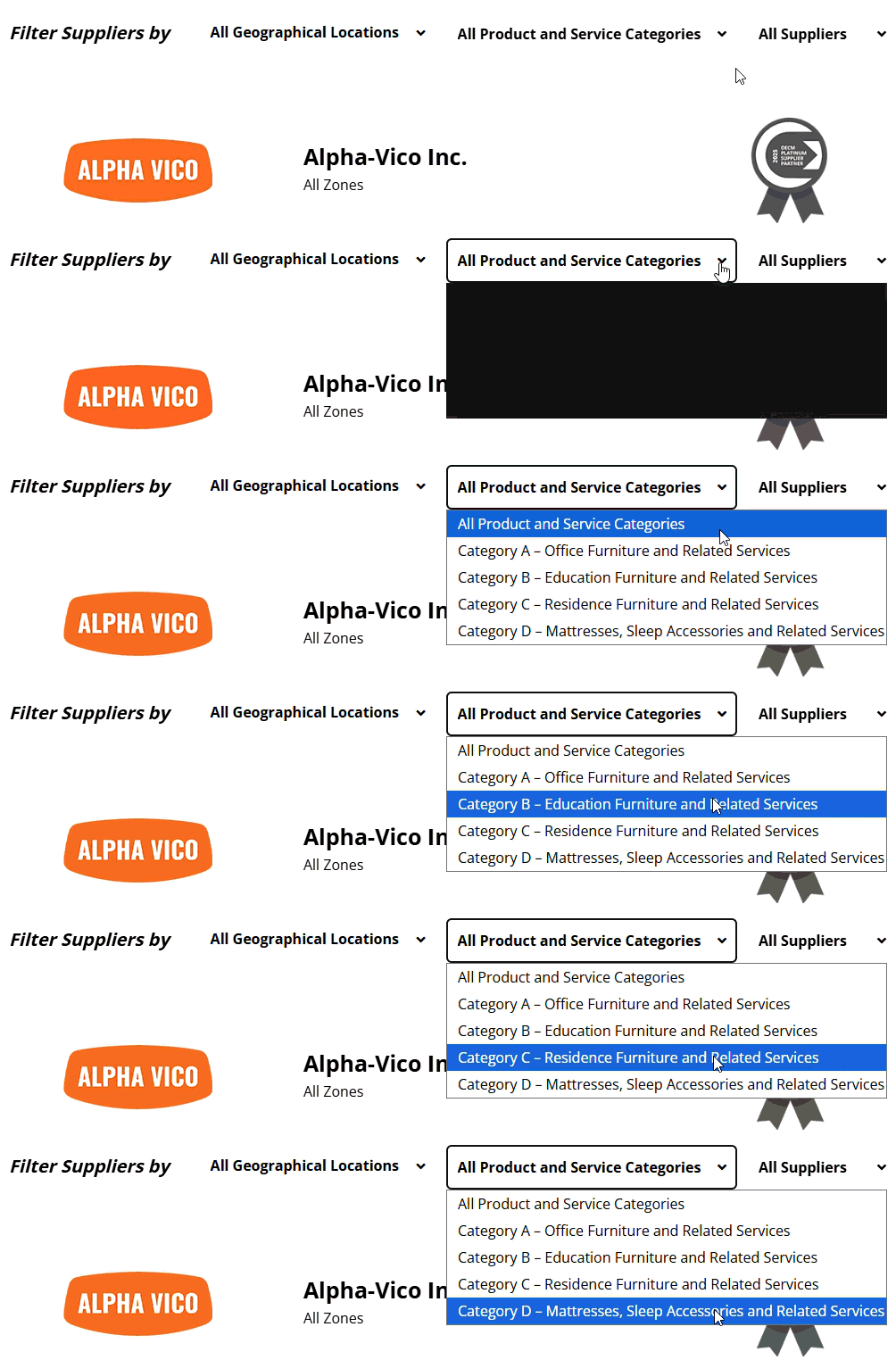
- Click the dropdown arrow beside All Product and Service Categories
- Select the Product/Service category that best matches your needs
- The supplier partner list will automatically update based on your selection
Looking for Agreements First?
You can also use the main Marketplace search page to filter agreements by Categories, OEMs, and Suppliers. This helps you quickly find agreements that match your needs before reviewing supplier partner options.